
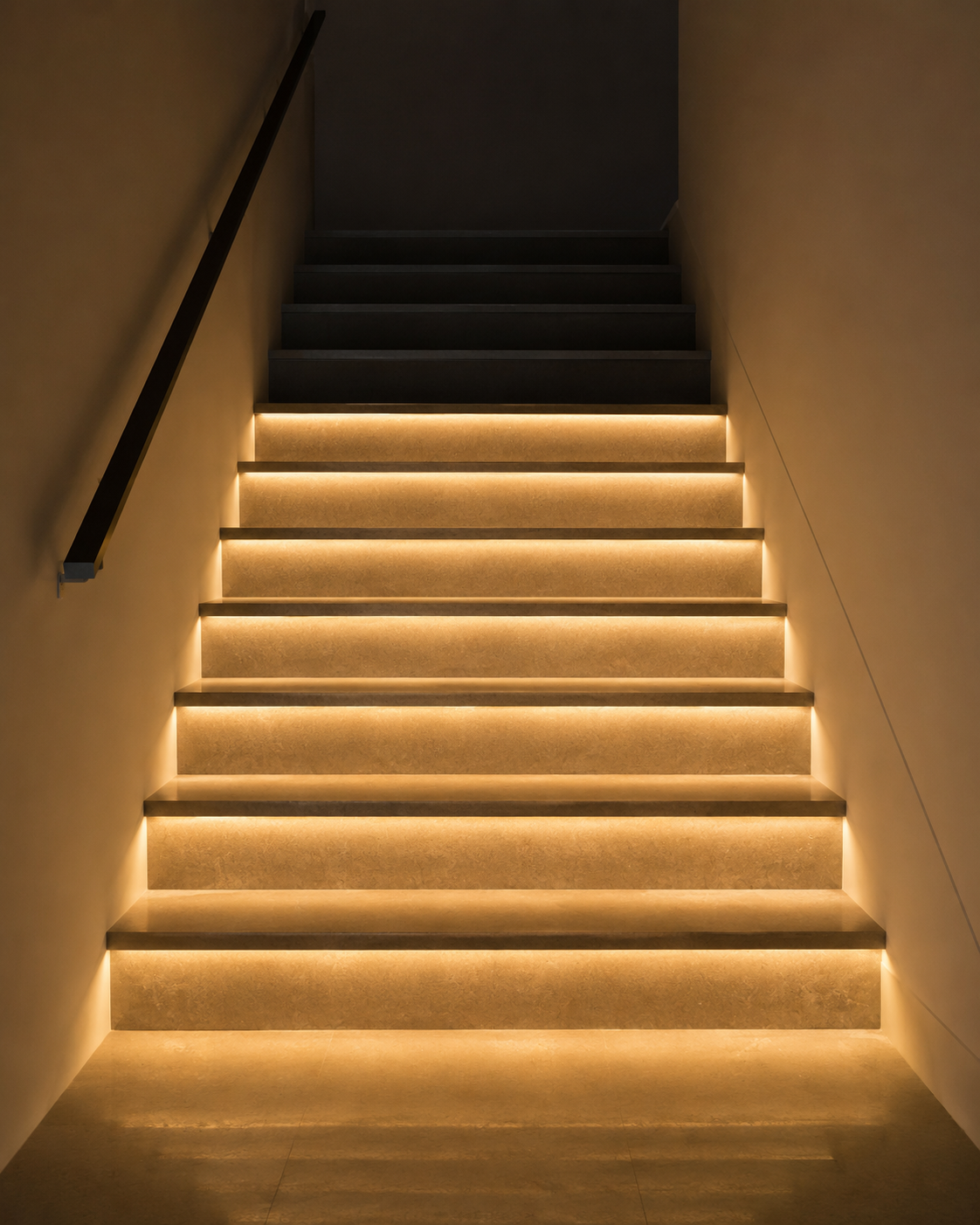
The most common reason is that the controller is programmed for 8 steps by default, even if you have more installed.
Solution: Follow the user manual to access the controller settings and increase the "Step Number" (or Step Count) to match your actual number of stairs.
Some versions KMG-3233 stair light controller is set to illuminate 8 steps by default. However, you can easily adjust the number of steps using the following instructions:
1. Press and hold the "Speed" button for 3 seconds to enter the step count setting mode.
2. Use the "+" or "−" button to select your desired step count.
3. Press and hold the "Brightness" button for 3 seconds to save your setting and exit the configuration mode.
Share:
Can the stairs be turned permanently on or off using the KMG-3233 or KMG-4233?
1 comment
Je suis distributeur et je veut distribuer vos produits